A prompt vocabulary
Most of what I type to a model, I have typed before. This post is about giving those sentences names and reaching for them by name, instead of writing a new prompt every time.
The sentences you already repeat
I noticed it with bugs. An error comes up, I paste it into Claude Code, and under it I add the same sentence: find the root cause before you fix anything. Left alone, the model is quick to patch the symptom, and that sentence stops it. The first time I typed it, it was a thought. By the tenth time it was a habit I was retyping by hand, with typos, sometimes forgetting half of it.
Everyone who works with coding agents has a handful of these. Don't touch code I didn't ask about. Ask before you assume. Give me three options and pick one. Tell me what we decided before I close the session. They aren't clever prompts. They are the instructions that make a session go the way you meant it to, and they get a little worse every time you retype them from memory.
The second time you type one of them is the moment it becomes vocabulary. Write it down once, properly, and stop improvising it.
Name them for what they ask
A vocabulary is words you can reach for. So each prompt gets a name that says what it asks, short enough to find by typing three letters of it: "Root cause first", "Scope guard", "Argue against this", "Just the command".
The name carries the intent; the text carries the detail. When I reach for "Scope guard", I don't have to remember that it also says no new dependencies without asking. The text remembers that for me. And because the name is what I search for, it has to be the word I'd think of in the moment, not a category. "Debugging prompt 3" is a filing system. "Root cause first" is something I'd say to a colleague.
Leave a slot for what changes
Most of these prompts wrap something: an error, a diff, a goal. The wrapper stays the same and the thing inside changes, so the prompt keeps a slot for it. This is "Root cause first" as it ships in Promptline's starter pack:
Here's the error:

{clipboard}

Find the root cause before proposing any fix. Explain what's actually happening, then suggest the minimal fix.
{clipboard} is whatever I copied last: the stack trace, the failing test's output. I copy the error, press the hotkey, pick the prompt, and it pastes with the error already inside.
Some slots can't come from the clipboard, so the prompt asks for them. "Reproduce before fixing" has one:
Before fixing, write a minimal reproduction or failing test for this bug: {bug}When I pick it, a small form asks for the bug, and the prompt pastes once I've typed it. The slot is what makes a saved prompt worth saving. Without it you are back to copying a text, pasting it and editing the middle every time.
Small beats big
It's tempting to collect. Prompt lists online run to hundreds of entries, and saving them all feels productive. But a vocabulary is the words you actually use, and a list of two hundred is one you scroll through instead of reaching into.
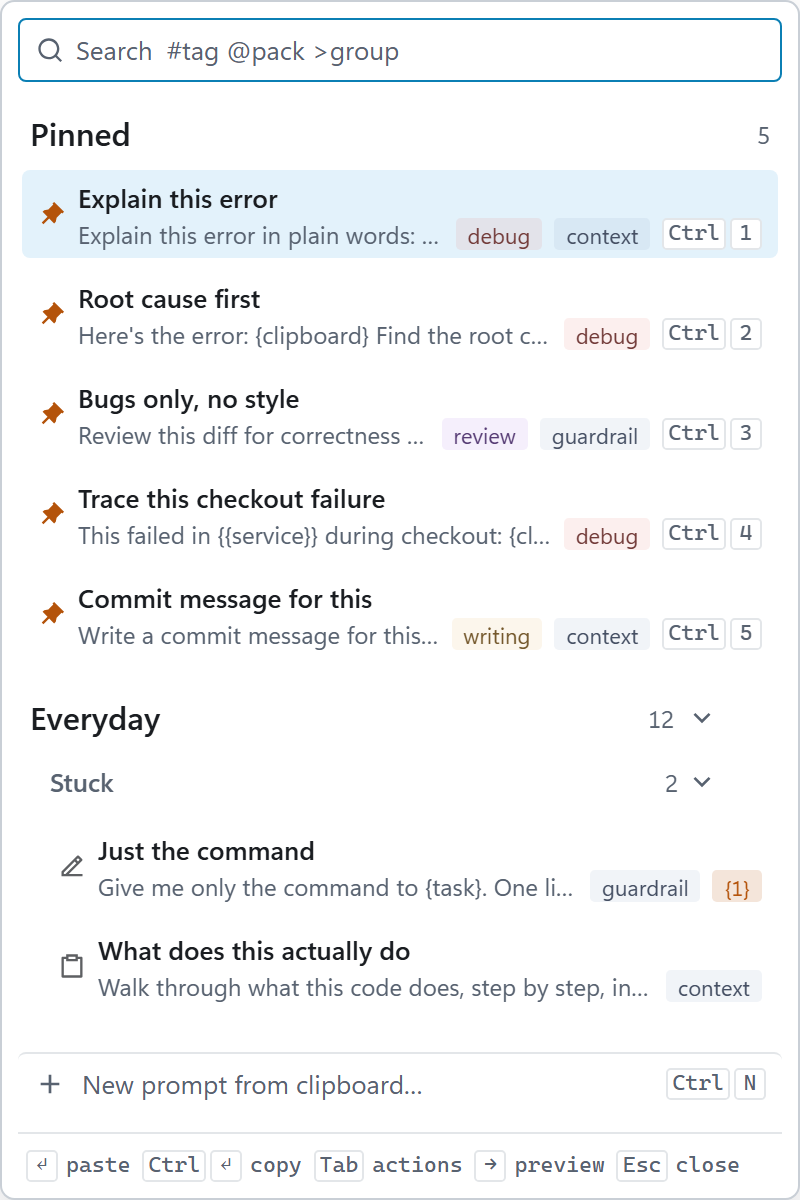
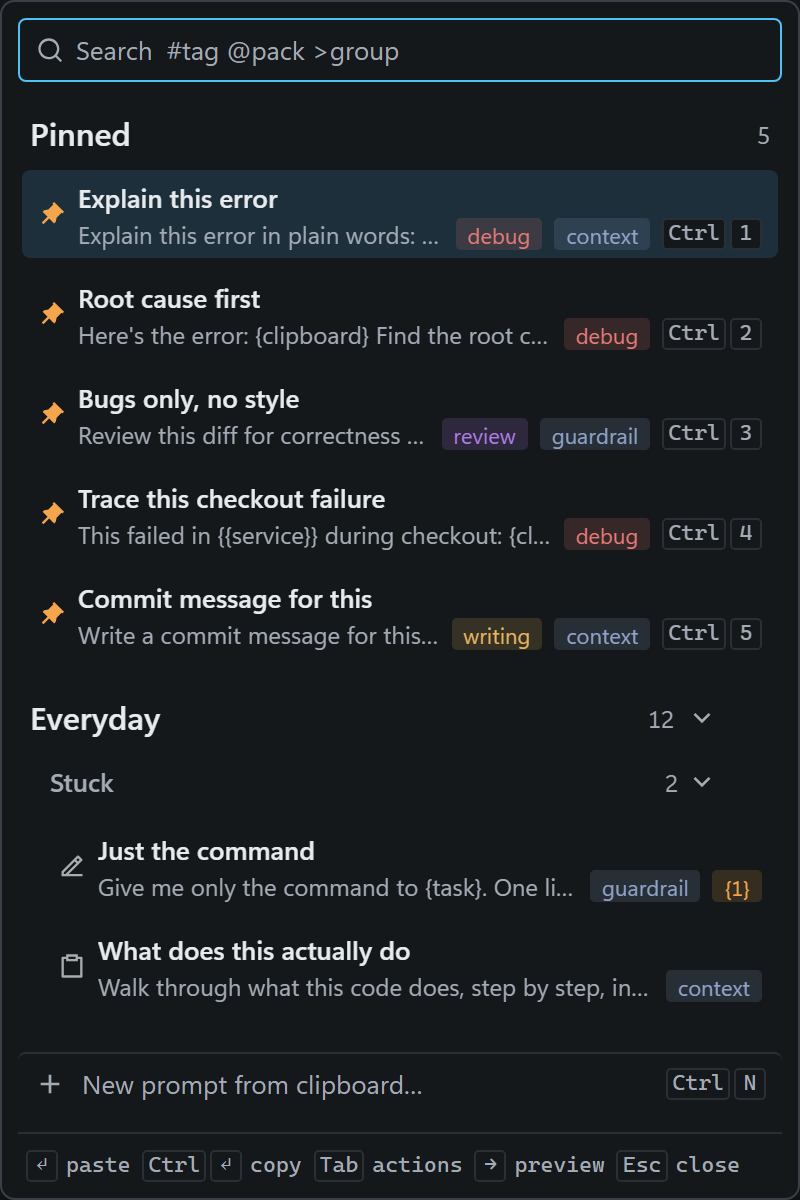
Mine is about a dozen prompts I use every day, plus a few for particular moments: starting a session, reviewing a diff, wrapping up. The five I use most are pinned to Ctrl 1 to 5, so I paste them without looking. When I notice I haven't reached for one in a month, it goes. When I catch myself typing the same sentence twice, it comes in.
The test for a prompt isn't whether it's good. It's whether I'd miss it.
A vocabulary you can share
Words are more useful when the people around you use them too. If a team says "bugs only, no style" and means the same kind of review, a lot of back and forth goes away.
In Promptline, prompts live in packs, and a pack is a plain JSON file, grouped by the moment you reach for it: Stuck, Starting, Deciding, Reviewing, Wrapping up. A pack can sit in the repository next to the code, go through a pull request and change like anything else there. A coding agent can draft one, too: it surveys the repository and writes the prompts that project needs, and you review them one by one before any of them is added. A later post shows a real run of that.
Where Promptline fits
I built Promptline because I wanted this vocabulary one keystroke away, in whatever window I was working in.
- Copy, hotkey, paste. Copy an error, press Ctrl Alt V, pick a prompt, and it pastes into Claude Code, Codex, Cursor or any other window with your clipboard inside.
- Packs are JSON files an agent can write. Your prompts are files on your own machine, in a format you can read, commit and share.
- No telemetry. The only request the app makes is an update check at startup and once a day, which sends nothing about you and is off in a click.
It runs on Windows 10/11 today; macOS is in progress. It's free and open source (MIT). More at promptline.cc, or go straight to the download.